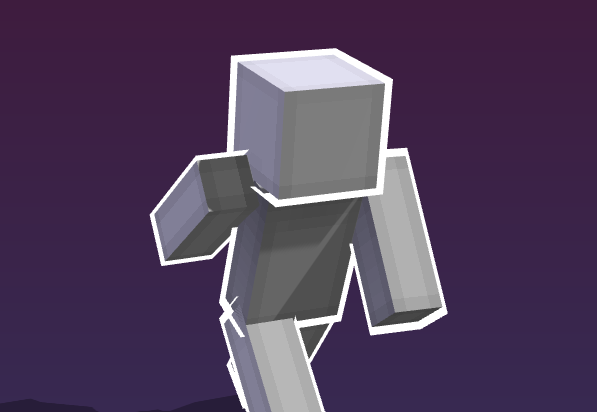

Minecraft render studio

CREATE. CUSTOMIZE. EXPORT.

Drop a skin, pose the little guy, slap some armor and glow on it. Export. Blender stays closed.

Free forever. No account, no email.
Visual poses Armor & items Clean outlines HD export
Scroll
What you can build

Blender who? make the render.

No nodes. No panic. Load, pose, export. easy.

01 · Pose

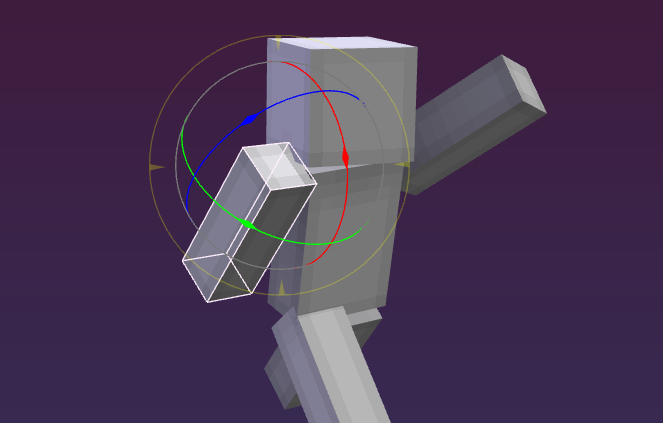
Pose it fast

Click a limb, drag it around, done. Numbers are there if you feel fancy.

  • Visual pose editor with body map
  • Live puppet with your cursor
  • Hide parts with one click
Visual pose controls
02 · Gear

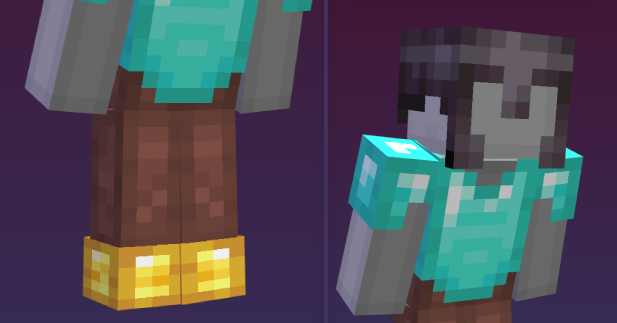
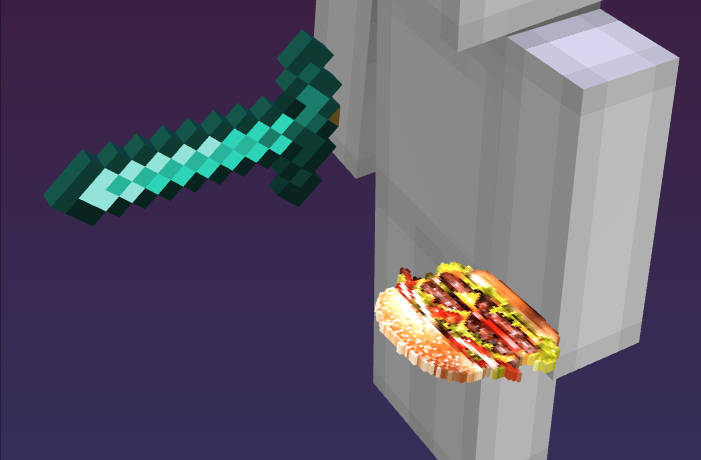
Drip and shiny stuff

Armor, items, glints and outlines. No Cinema 4D moment needed.

  • Full armor sets, by piece or preset
  • Swords, burgers, whatever you equip
  • Plastic shine and pixel glow
Armor sets
03 · Export

Export and dip

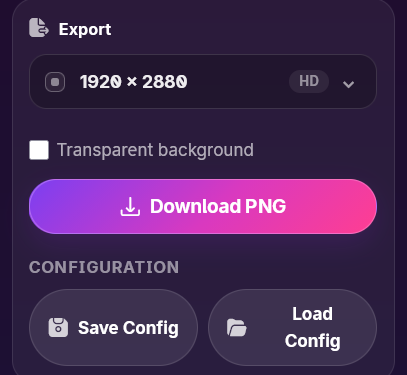
Pick a crop. Download PNG. Looks planned enough.

  • Square, story, poster, whatever
  • Transparent background if you want
  • HD up to the size you need
Clean export
Tiny workflow

A few clicks. done.

The scary controls stay hidden. polite little website.

Load the skinPNG or username. whatever works.01
Move the little guyGizmos first. Math maybe never.02
Add the fun stuffArmor, items, glow, background. boom.03
ExportPNG goes brrr.04
For tutorial dodgers

Looks planned. maybe.

Soft shadows, outlines, transparent backgrounds, HD export. Fancy enough.

ready?

Open it before motivation leaves.

Load skin. Poke pose. Add drip. Export.

FLOWRENDER // SECRET HARDWARE LAB

PATATA RTX 4090